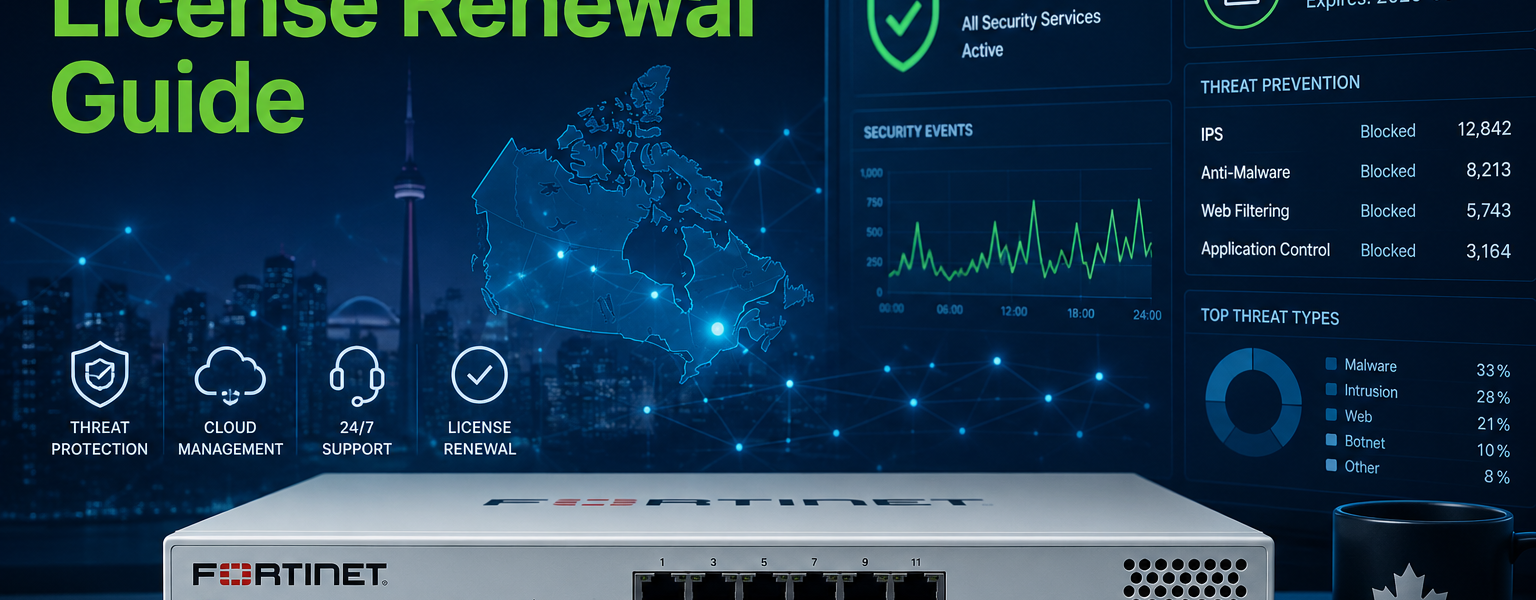
FortiGate license renewal in Canada is one of the most common pain points for Canadian IT managers, and the reason is almost always the same: the options are not clearly explained anywhere. If your license is coming up for expiry, or has already lapsed, this guide is for you.
Below we cover what Fortinet licenses actually include, what happens when they expire, which bundle is right for your device, and how to get a FortiGate license renewal Canada quote quickly through an authorized Canadian partner.
A FortiGate firewall is a capable piece of hardware on its own, but most of what makes it valuable as a security device runs on licensed services. Without an active subscription, your FortiGate continues to operate as a basic firewall and router, but the following stop working or stop receiving updates:
FortiGuard Security Services keep your firewall current against real-world threats. This includes antivirus and anti-malware signature updates, intrusion prevention (IPS) rule updates, web filtering category databases, application control signatures, and DNS filtering. These databases are updated continuously by Fortinet’s threat research team. Without them, your device is enforcing yesterday’s rules against today’s attacks.
Support and firmware access (depending on your SKU) gives you access to FortiOS firmware updates, bug fixes, and Fortinet’s technical support team. Running an unsupported firmware version with known vulnerabilities is a real risk, not a theoretical one.
FortiCloud and management features on some bundles include cloud-based logging, reporting, and centralized management access through FortiGate Cloud.
A lapsed license does not brick your device. Your FortiGate will keep routing traffic and enforcing whatever policies you have in place. What it will not do is receive any updates to threat intelligence, IPS signatures, web filtering categories, or firmware.
In practice, this means:
For Canadian businesses with any kind of compliance obligation (PIPEDA, SOC 2, or industry-specific requirements), a lapsed license creates documentation gaps that can become a serious problem during an audit or incident review.
The good news: you can renew a lapsed license. There is no hard cutoff after which renewal becomes impossible, though pricing may reflect the gap period.
Fortinet offers FortiGate subscriptions in three building-block bundles, each including the one below it. All three include FortiCare Premium support (24×7 phone, chat, and web with one-hour response times for critical issues) at no additional cost. You can review the full bundle comparison on the official Fortinet FortiGuard bundles page.
ATP (Advanced Threat Protection) is the foundation bundle. It covers IPS, antivirus, advanced malware protection, FortiSandbox SaaS for sandbox-based detection, application control, and inline CASB for SaaS application security. This is the starting point for any organization that wants active threat protection beyond basic firewall functionality.
UTP (Unified Threat Protection) builds on ATP and adds web and DNS security: URL filtering, DNS filtering, video filtering, and anti-botnet/C2 communication blocking. UTP is the most commonly purchased option for Canadian SMBs, as it covers both network and web-based threat vectors in a single subscription.
ENT (Enterprise Protection) is the most comprehensive bundle and includes everything in ATP and UTP, plus DLP (data loss prevention), AI-based inline malware prevention, IoT detection and vulnerability correlation, CASB for SaaS, and attack surface monitoring and risk scoring. This bundle is the right choice for organizations in regulated industries, those handling sensitive data, or those that need to meet compliance requirements around data exfiltration and shadow AI risk.
All bundles are available in 1-year, 3-year, and 5-year terms. Multi-year terms lock in pricing and reduce administrative overhead. For most businesses, a 3-year renewal is the most practical choice.
Before requesting a renewal quote, you need two things: your device model and serial number.
From the FortiGate web interface: Log in, go to Dashboard, and look at the System Information widget. Your serial number and license expiry dates are both displayed there.
From the device label: The serial number is printed on a sticker on the bottom or back of the physical appliance.
From FortiCloud: If your device is registered, log in to support.fortinet.com to see all registered assets and their entitlement status.
If you manage multiple FortiGate devices, the FortiCloud asset management portal gives you a consolidated view of all expiry dates, which is useful for planning renewals across a fleet rather than scrambling when each one lapses individually.
You can technically purchase Fortinet licenses from a range of sources, including international marketplaces. Here is why that introduces real risk:
Fortinet license keys are tied to specific device serial numbers and registered in Fortinet’s global licensing system. Keys purchased from unauthorized resellers are sometimes invalid, already registered, or purchased through grey-market channels that Fortinet will not honour. When you discover this, you are typically left without recourse and need to purchase again through a legitimate channel.
An authorized Canadian partner like DataCenter360 provides licenses directly through the official Fortinet distribution chain. Keys are valid, accurately matched to your device model and current firmware generation, and can be activated immediately. As an MSSP and Select Partner listed on the official Fortinet partner directory, DataCenter360 also has direct access to Fortinet’s partner support team if any activation issues arise.
For Canadian businesses specifically, working with a Canadian partner also means invoicing in CAD, no cross-border complications, and a contact who understands the Canadian compliance landscape.
With DataCenter360, the typical process is:
The entire process from first contact to active license can be completed quickly for standard models. If you are close to expiry or already lapsed, fast turnaround matters.
Can I upgrade my bundle at renewal time?
Yes. Renewal is a natural point to move from ATP to UTP, or from UTP to ENT, or to extend your term. Your DataCenter360 contact can walk you through what changes in your security posture with each option.
What if I’m not sure which SKU I currently have?
Send us your serial number and we will look it up. SKU matching is one of the most common errors in self-service renewal, and we verify this before quoting.
Does renewing early extend from the current expiry date or from today?
From the current expiry date. Renewing 60 or 90 days early does not cost you those days. The new term stacks onto the end of your current one.
Can I renew a device that’s reached end-of-life?
Fortinet end-of-life policies vary by product. Some EOL devices can still receive support renewals; others cannot. We can advise on whether renewal makes sense or whether it’s time to consider a hardware refresh.
DataCenter360 is a Fortinet authorized Select Partner and MSSP based in Toronto, serving businesses across Canada. We handle FortiGate license renewals quickly, accurately, and with no grey-market risk.
To get a renewal quote, send your FortiGate model and serial number to our team at datacenter360.ca/contact-us or call us at 647-255-1700. Most quotes are returned the same business day.
